
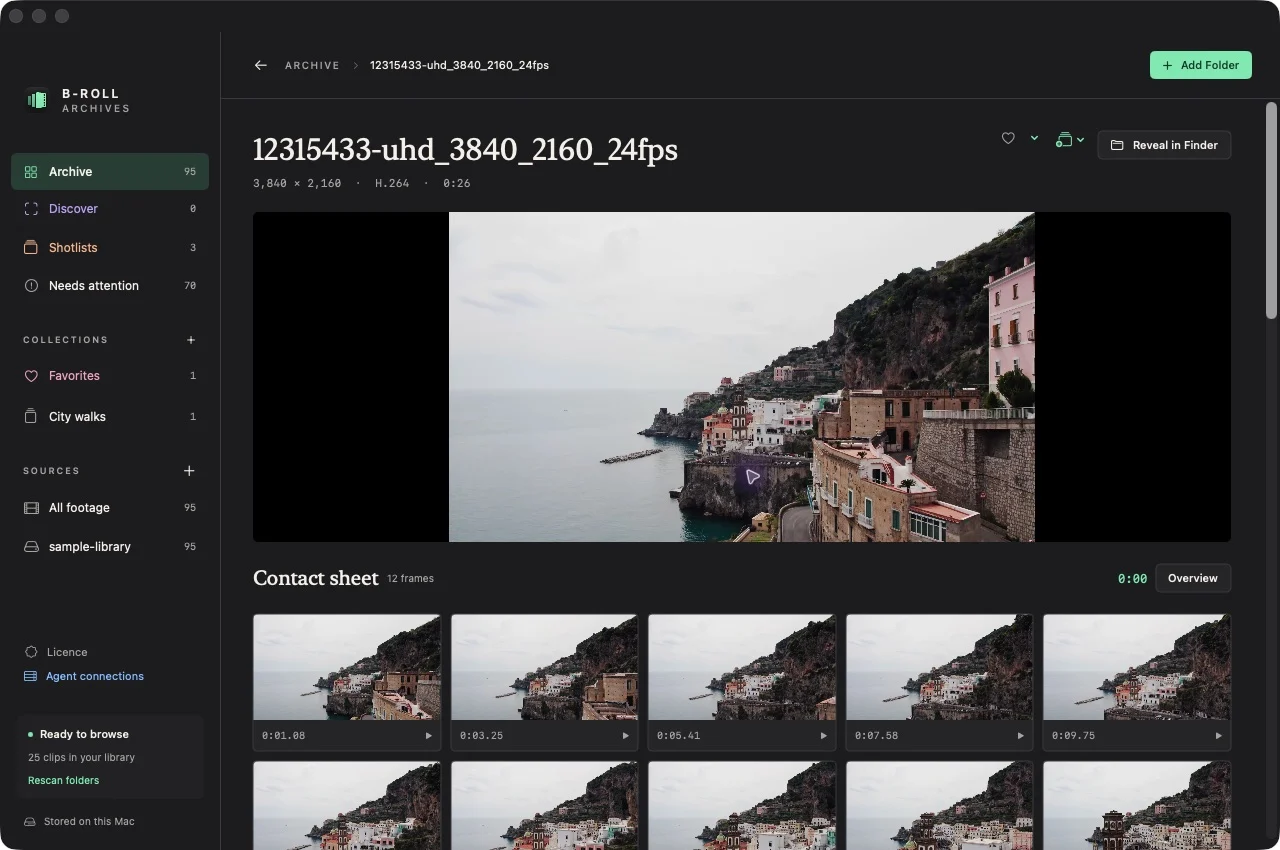
Play a moment
- Connect the source drive and open a ready clip.
- Select a frame in its contact sheet, or open a visual-search result with a matching sampled frame.
- The player seeks to the recorded timestamp and starts playback.
- Watch the nearby original footage to judge the shot. Use ⌘[ or Escape in the clip to return to the collection.
Expected result: playback begins near the selected sample, rather than requiring you to watch from the start.
Source availability matters
A cached frame is a preview, not the original video. If the source is unavailable, reconnect the drive before playback. Reveal in Finder also requires an available original.
Timestamp links returned through MCP use the app’s brollarchives:// URL scheme. The native app must be installed, open, and able to access the source to play the moment.
If playback fails
Confirm the source is mounted and readable. MP4, MOV, and M4V discovery does not guarantee every codec is supported by macOS. A remembered moment may also fall between overview samples; use the player to inspect its neighborhood. See troubleshooting.