Before you start
Connect the drive and finish copying footage into a stable folder. B-Roll Archives needs permission to read the location. Keep your independent backups; adding a source does not back it up.
Add a source
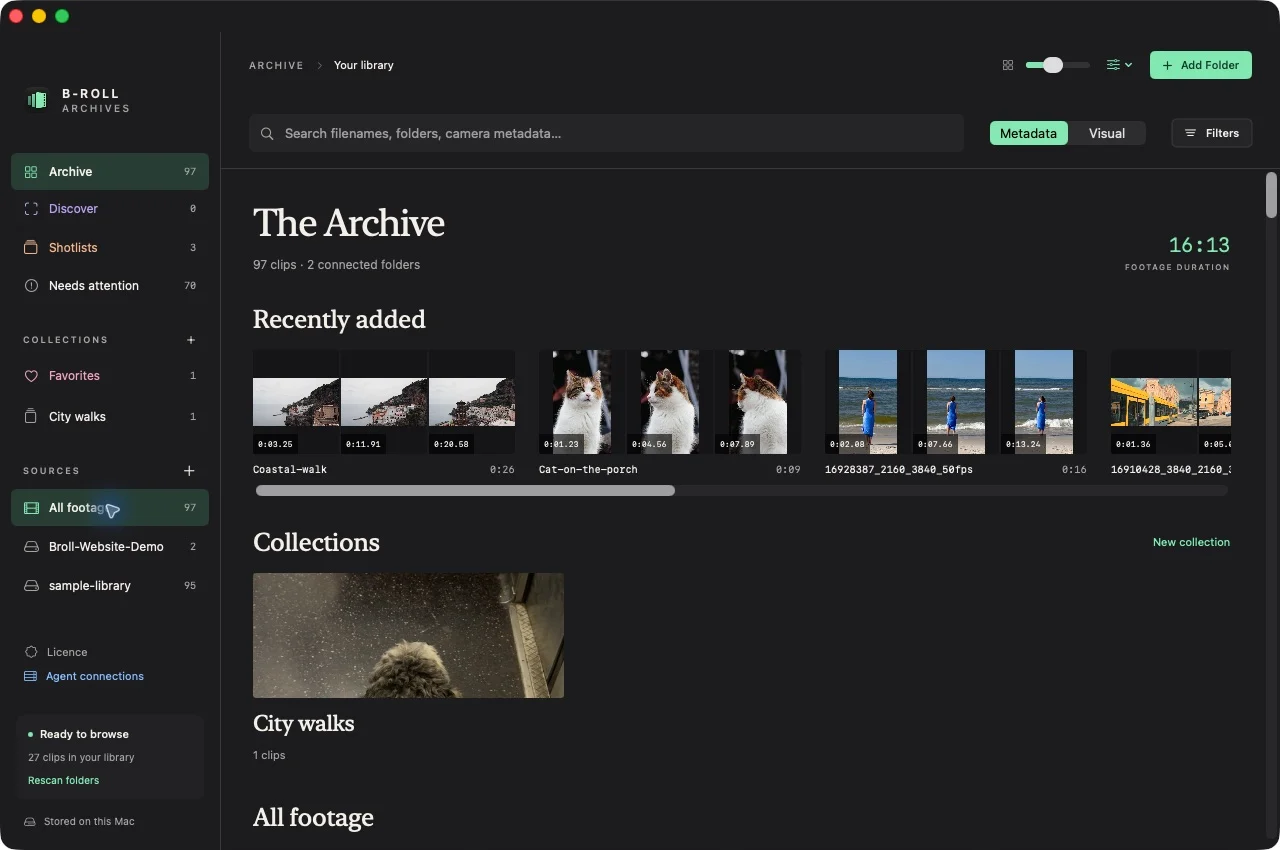
- Choose Choose Folder or Drive during onboarding, or Add Folder in the Archive. The keyboard shortcut is ⌘O.
- Select the footage folder or drive in the macOS folder chooser.
- Confirm the selection. The source appears in the sidebar.
- Prepare the library to create browsable previews.
The app discovers clips recursively, including footage inside nested folders. Current discovery includes MP4, MOV, and M4V files. Actual readability depends on macOS media support; a file extension alone does not guarantee decoding.
Expected result
Your originals remain in their existing locations. The source becomes part of the local catalog, and readable clips appear as preparation completes.
If the folder is missing or unreadable
Confirm the drive is mounted, the folder still exists, and macOS allows access. Try a small readable source before investigating a large folder. See troubleshooting for media failures and disconnected drives for a previously prepared source.