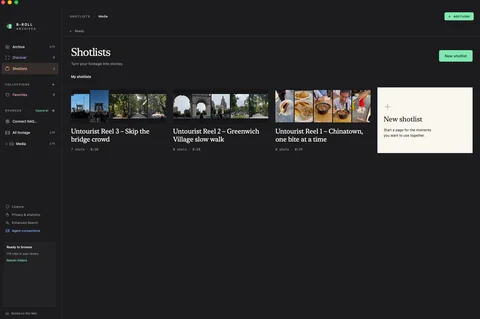
A step-by-step look at how to create TikTok reels using AI agents, from iPhone footage to a branded, captioned 30-second reel, with the agent doing the searching, shot selection and editing.
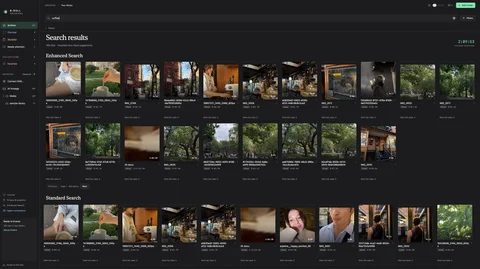
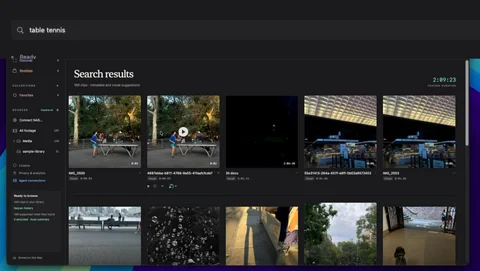
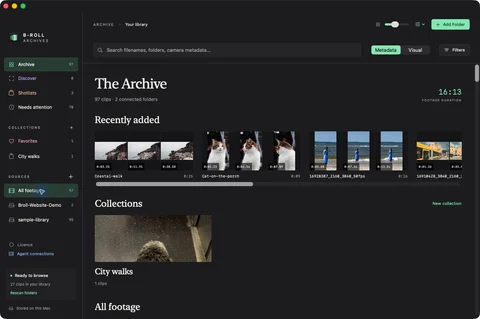
Find a clip by typing what you remember seeing, such as “a cat”, then check the sampled match and play the original from that moment. A walkthrough on Mac.
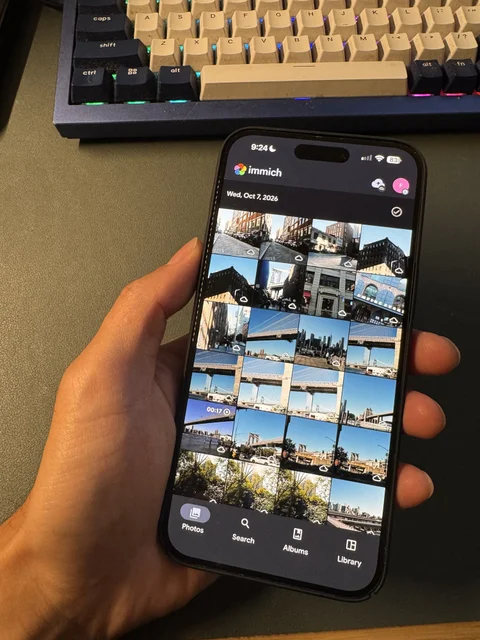
How I turned iPhone videos into a searchable B-roll library. Immich backs up the originals to a local SSD, and B-Roll Archives reads that folder in place.
View a video file's duration, resolution, codec, frame rate, and dates on Mac with Finder and QuickTime Player, then use those properties to narrow a footage library.
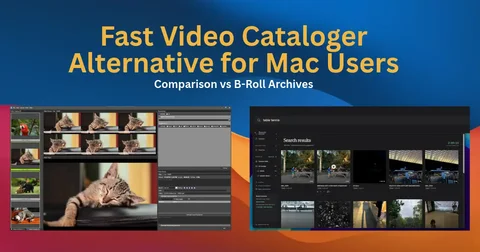
Choose a Mac video organizer by how you need to find footage — folder browsing, offline drive catalogs, metadata inspection, or searching by what is in the shot.
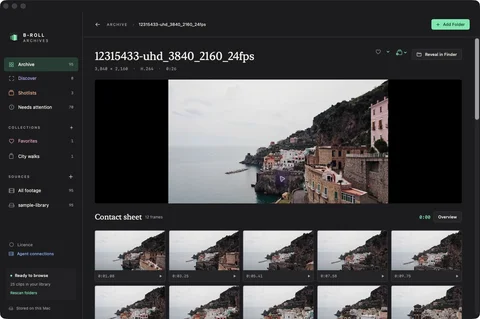
A video contact sheet shows sampled moments from a clip. Learn how interactive browsing differs from exporting or printing a static contact-sheet image on Mac.
Organize B-roll you already filmed so it survives beyond one project. Keep source context, browse contact sheets, and retrieve footage across folders and drives.